Cyber Security
Protect yourself online with comprehensive guidance on digital security. From password management to threat awareness, learn how to stay safe in an increasingly connected world.

Practical guides
Passwords, password managers and security keys
The NCSC’s advice in plain words: a long password for your email, two-step login, never sharing a code, and what password managers, passkeys and security keys do.
Read the guideYour home Wi-Fi and network
A long Wi-Fi password, WPA3 or WPA2 and why, the router’s own settings password, guest networks, and a simple check of everything connected. With a one-page checklist.
Read the guide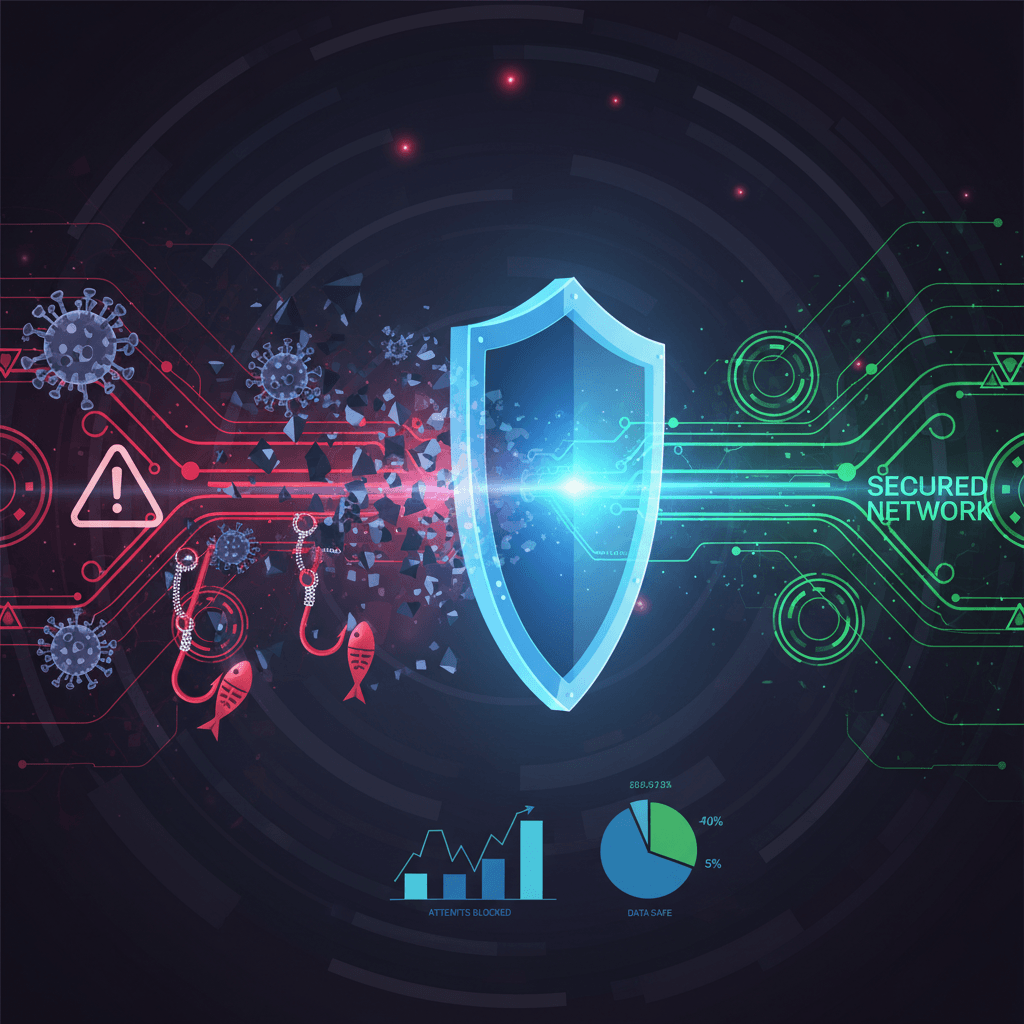
Common Cyber Threats
Understanding threats is the first step to protection. Learn to recognize and defend against these common attacks.
Phishing Attacks
Fraudulent emails and messages designed to steal your personal information or login credentials.
- Check sender email addresses carefully
- Never click links in suspicious emails
- Verify requests through official channels
- Look for spelling and grammar errors
Malware & Viruses
Malicious software that can damage your devices, steal data, or give attackers control of your system.
- Keep antivirus software updated
- Only download from trusted sources
- Scan USB drives before opening
- Be cautious with email attachments
Ransomware
Attacks that encrypt your files and demand payment for their release.
- Back up data regularly
- Keep systems updated
- Never pay the ransom
- Report attacks to authorities
Social Engineering
Manipulation tactics used to trick people into revealing sensitive information.
- Verify caller identities
- Question urgent requests
- Never share passwords
- Trust your instincts
Network Attacks
Exploiting unsecured networks to intercept data or gain unauthorized access.
- Use VPN on public Wi-Fi
- Secure home router
- Enable network encryption
- Monitor connected devices
Identity Theft
Criminals stealing personal information to commit fraud in your name.
- Monitor credit reports
- Use strong, unique passwords
- Enable account alerts
- Shred sensitive documents
Essential Security Practices
These fundamental practices form the foundation of your digital security. Start with the critical items.
Strong Passwords
Use unique, complex passwords for each account. Consider a password manager.
Two-Factor Authentication
Enable 2FA on all accounts that support it for an extra layer of security.
Software Updates
Keep all software, operating systems, and apps updated to patch security vulnerabilities.
Regular Backups
Back up important data to external drives and cloud storage following the 3-2-1 rule.
Secure Browsing
Use HTTPS websites, ad blockers, and be cautious about what you download.
Network Security
Secure your home Wi-Fi with strong encryption and change default router passwords.
Securing Your Devices
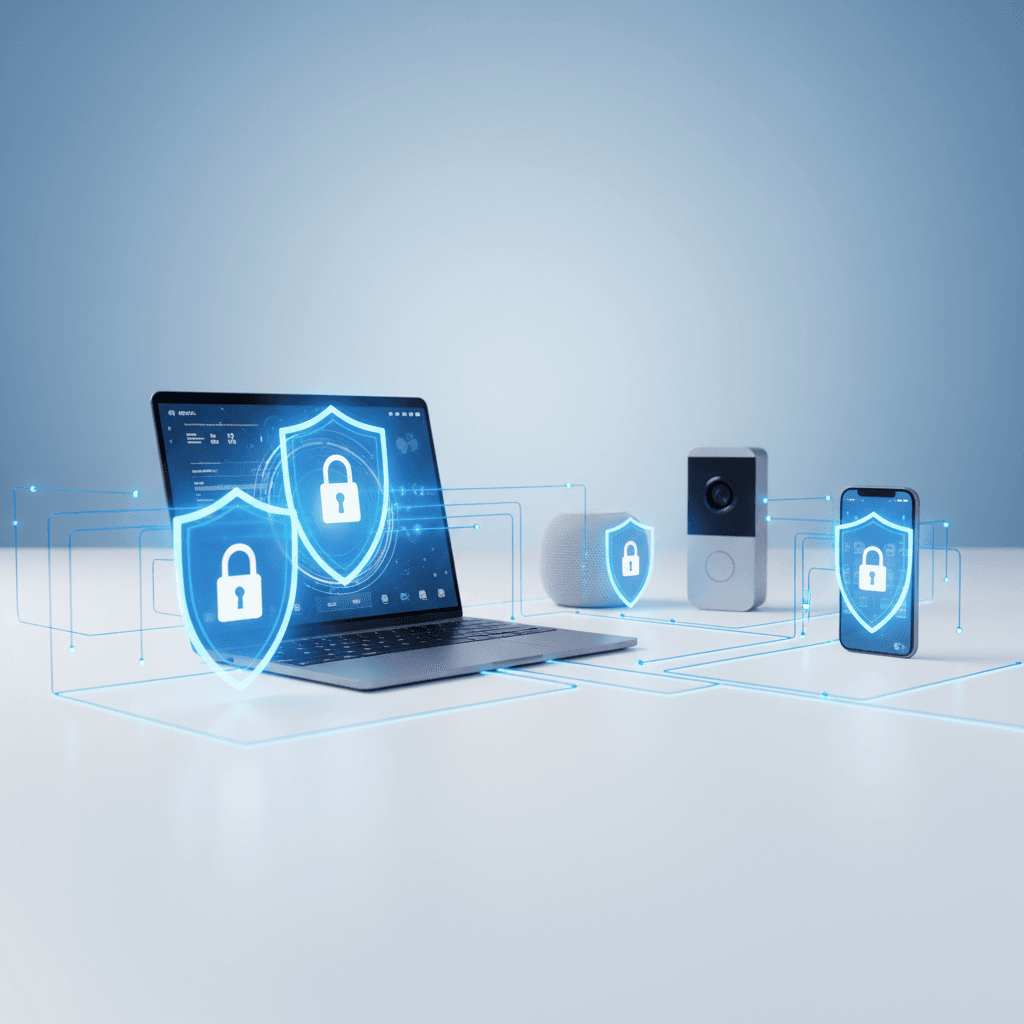
Different devices require different security approaches. Here's how to protect each one. From computers to smartphones to smart home devices, comprehensive protection requires understanding each platform's unique vulnerabilities.
Computers
- Install reputable antivirus software
- Enable firewall protection
- Use full disk encryption
- Lock screen when away
- Regular software updates
- Secure boot settings
Smartphones
- Enable biometric lock
- Only install apps from official stores
- Review app permissions regularly
- Enable remote wipe capability
- Turn off Bluetooth when not in use
- Use mobile security apps
Smart Home Devices
- Change default passwords immediately
- Keep firmware updated
- Use a separate network for IoT devices
- Disable features you don't use
- Research security before buying
- Regularly audit connected devices
Use a Password Manager
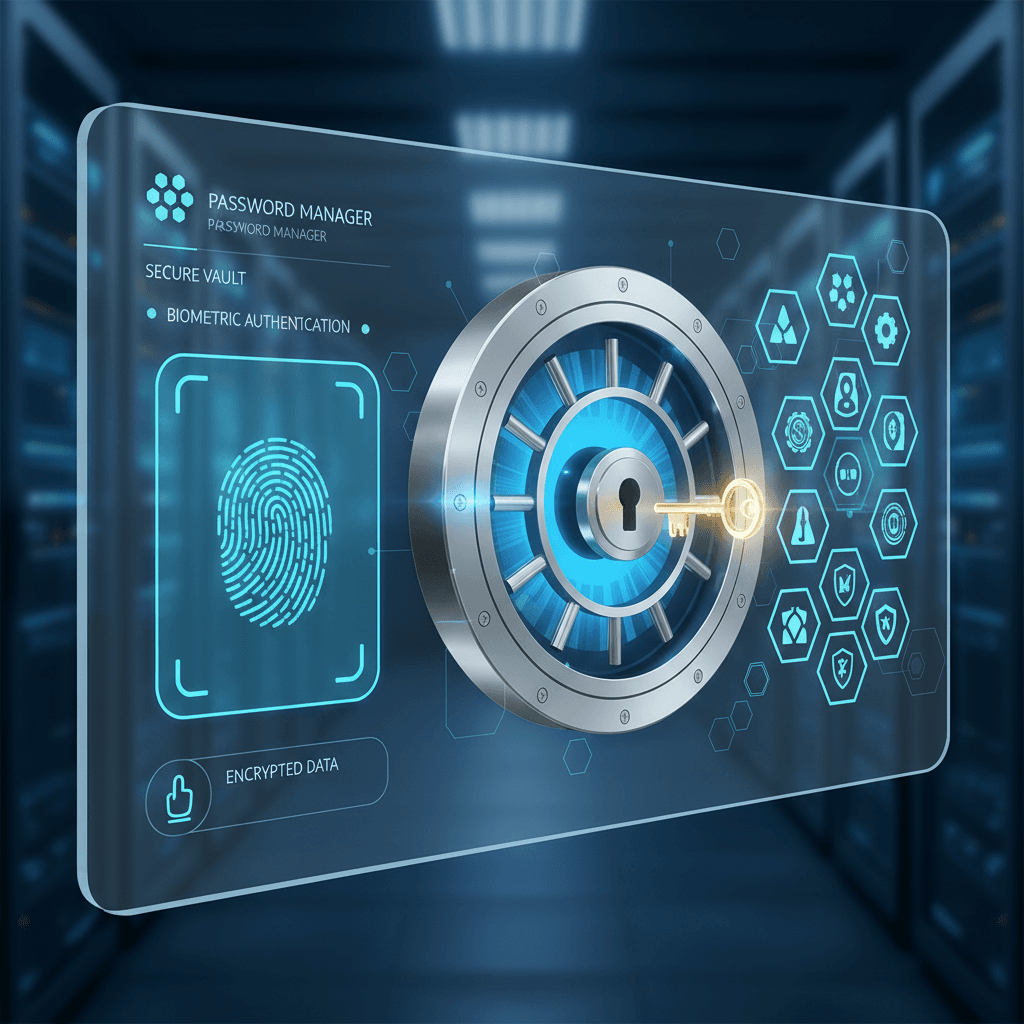
Password managers are one of the most effective security tools available. They generate, store, and autofill strong unique passwords for every account, eliminating the need to remember dozens of complex passwords.
Choosing one
Whichever password manager you use, protect it with one strong password that you use nowhere else, and turn on two-factor authentication for it.
What to look for in a password managerHelpful Resources
Official resources and tools to help you stay secure online.
National Cyber Security Centre
Official Irish government cyber security guidance and alerts
GovernmentFraudSMART
Banking & Payments Federation Ireland fraud awareness initiative
IndustryHave I Been Pwned
Check if your email or phone has been in a data breach
ToolData Protection Commission
Report data breaches and get GDPR guidance
GovernmentPrint and share
Free sheets to print, keep and give to family or neighbours. Not for sale.
- Staying safe online: a guide for older peopleAnyone can be targeted by a scam. These simple habits keep you safe. Keep this by the phone or the computer.
- Home network check: your router, your Wi-Fi and what is connectedWalk round your home network with a pen and your router’s app or settings page. Tick what is done; note what to fix.
- Beside-the-phone scam cardKeep it beside the phone or on the fridge. The big rule is at the top; what they will never ask is underneath.
Frequently Asked Questions
Common questions about staying safe online.
Test Your Security Knowledge
Take our free security quiz to identify gaps in your digital protection and get personalized recommendations.